2025-1030-2223 UE - Unreal Engine 5 Blueprint Game Development (Updated to 5.6)
1 Welcome to the Course
2 Community & Support
3 Installing Unreal Engine 5
4 Section Intro - Marble Run
5. First Steps in Unreal Engine
- add starter content
6. Viewport Navigation & Transforms
- F - focus
- world / local space
7. Introduction to Blueprints
- new level - basic -
Level1 - pawn
- player can possess and control
- level blueprint
- print string
8. Referencing Actors in Blueprints
- input - keyboard event
- consume input will prevent lower priority actions
- reference to the floor
- W - add actor World Rotation - y -= 5
- S - add actor World Rotation - y += 5
- A - add actor World Rotation - x -= 5
- D - add actor World Rotation - x += 5
- adjust player start
9. Applying Physics to Static Meshes
- add a sphere - call it Ball
- simulate physics
- set material for ball and floor
- make the
teleporttoggle = true for add actor world rotation node
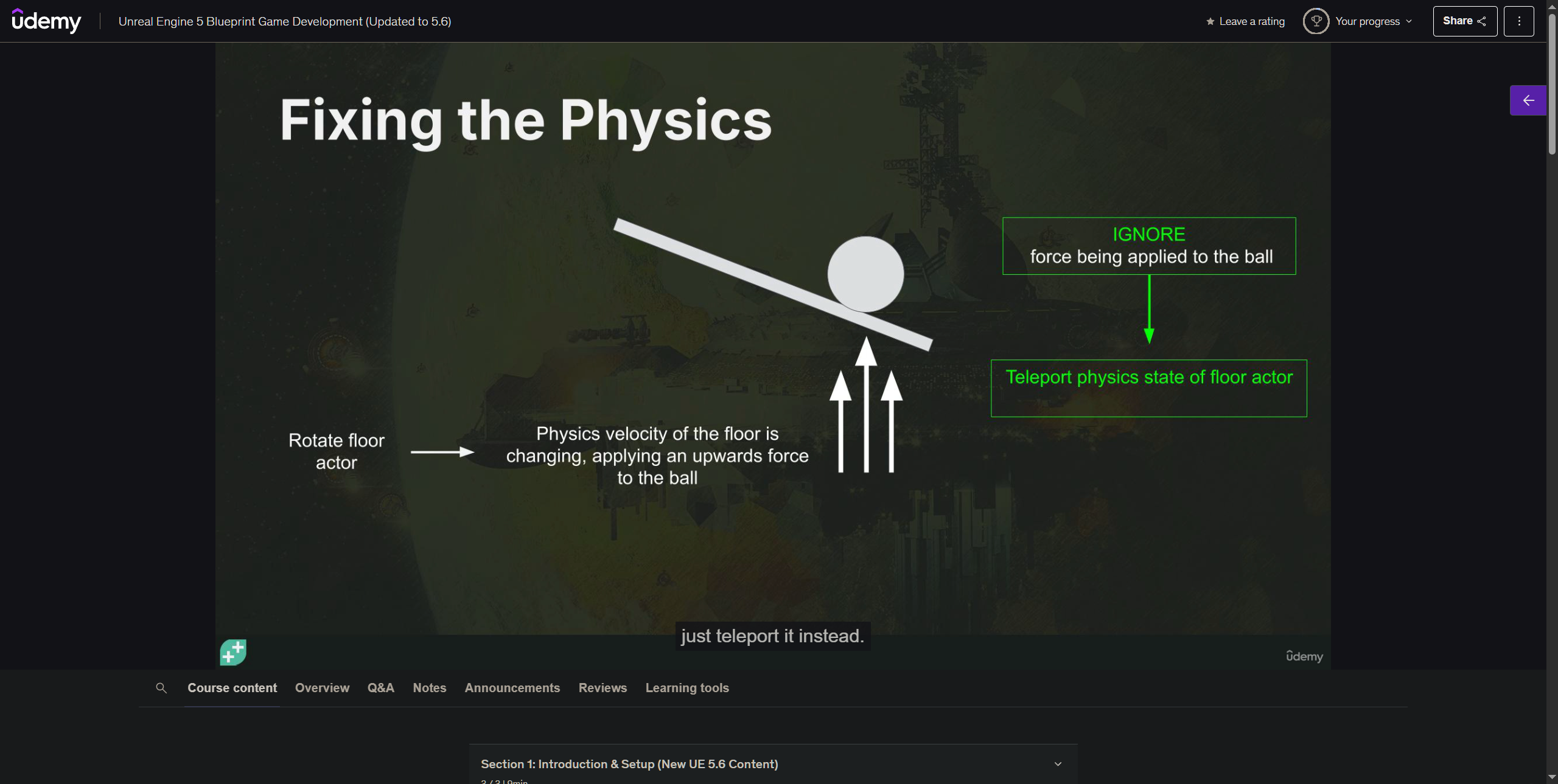
10. Tick Event & Input Axis Events
-
mouse X
- add actor world rotation - X
-
mouse Y
- add actor world rotation - -Y
-
Tick
- get mouse x
- get mouse y x -1
11. Getting & Setting Actor Rotations
-
to prevent z value change
- get actor rotation
- set actor rotation
-
clamp to +- 20
12. Intro to Modeling Mode
- create wall
- create - box -
Floor- 1500 x 1500 x 50
- material
- cobble
- uv = .33
- world space uv scale
- Model - Polygroup Edit
- inset
- extrude - 200
- Create another box - 200 x 200 x 300
- Boolean
- move back to Models folder
- create - box -
- fix uv issue
- project
- change material for top of wall
- select - polygroup edit -
- attribs - edie materials
- new material - moss
- change active material
- assign
- select - polygroup edit -
- new material for wall
- brick clay
13. Building Obstacle Objects
- create
- cylinder
- show wireframe
- radius 30
- height 120
- radial slices - 25
- height subdivisions 16
- material
- metal
- select
- polygroup edit
- select the first line
- scale out
- extrude
- direction mode - selected triangle normal
- fixed - 10
- selection filter
- side view
- select very other line
- extrude
- fixed
- distance 8
- selection filter
- select edge loops
- bevel
- select the first line
- polygroup edit
- cylinder
- create
- sphere
- subdivition dype - lat long
- radius 30
- delete the bottom part
- material - concrete
- sphere
- mesh - union
- XForm - Edit Pivot
- rename
- move to folder
- convert selection to BP_Peg
- new subclass
- make the map with pegs